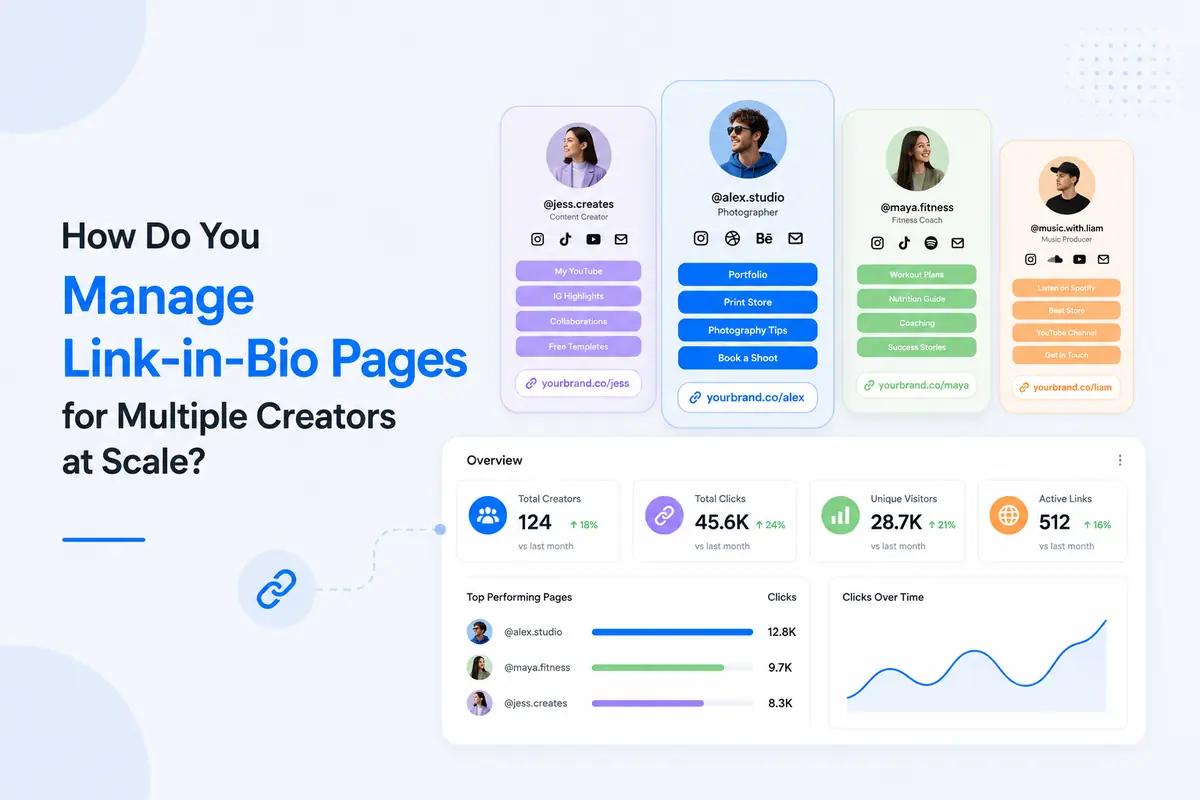
How Do You Manage Link-in-Bio Pages for Multiple Creators at Scale?
You manage link-in-bio pages for multiple creators at scale by centralizing every page in one dashboard, standardizing branded templates across accounts, and tracking performance from a single view instead of logging into a dozen separate tools. That's the entire idea in one sentence. Everything below is the how.
TL;DR
- Centralize every creator's page in one dashboard instead of managing separate logins one by one
- Build one branded template and duplicate it, don't redesign from scratch for each creator
- Standardize naming conventions before you cross 10 pages, not after
- Track clicks, QR scans, and link performance from a single analytics view
- Add an approval step so client-facing pages never go live unchecked
Why Link-in-Bio Management Breaks Down at Scale
Link-in-bio management breaks down the moment you go from one account to ten, because the manual habits that work fine for a single page multiply into real chaos across many.
The Hidden Cost of Manual Workflows
Manual, spreadsheet-based link management costs agencies real hours every week, not just annoyance. Separate logins mean separate passwords, separate update schedules, and separate blind spots.
That dead link sat there for three weeks. Nobody noticed.
Common failure points I've run into:
- No single view of which pages exist or who owns them
- Copy-paste errors between creator accounts
- Expired promotions still live because nobody tracked the end date
- Performance data scattered across five different logins
Where Brand Consistency Falls Apart
- Brand consistency falls apart first, because each creator's page usually gets built separately, with different fonts, button shapes, and colors depending on who set it up and when.
- Twelve creators. Twelve different looks. Not what the client signed up for.
- I've seen this happen with agencies managing rosters where three creators used one free tool, two used another, and the rest had whatever their previous manager left behind.
- The client only notices when they screenshot every page for a pitch deck and nothing matches.
What I Look for in a Link-in-Bio Tool for Agencies
I look for four things before recommending any link-in-bio tool for agency-scale work: centralized access, controlled permissions, replicable branding, and consolidated analytics.
1. Centralized Dashboard Over One-Off Logins
One dashboard beats ten logins every time. If I can't see every creator's page from the same screen, I can't manage the account, I can only react to it.
2. Role-Based Access for Teams and Clients
Team members need scoped access, not full account control. Someone editing one client's page shouldn't be able to touch another client's live page by accident.
3. Branded Templates You Can Replicate, Not Rebuild
A template I can duplicate saves hours a design-from-scratch approach never will. → One master template = every new creator page in minutes, not a fresh build every time.
4. Cross-Account Analytics in One View
Reporting from one dashboard beats stitching together five export files. I need link analytics that show every creator's clicks side by side, not five separate CSVs I have to merge manually.
Wait, you might be thinking: can't I just use a free link-in-bio tool for each creator?
Technically, yes. But that's exactly what breaks down at scale. Free, single-account tools mean no shared dashboard, no consolidated reporting, and a login for every single creator you manage.
How to Manage Link-in-Bio Pages for Multiple Creators, Step by Step
Managing link-in-bio pages for multiple creators comes down to seven repeatable steps, not a big redesign project.
Step 1: Structure Your Workspace by Client or Creator
Set up your account structure before you build a single page. Group by client, by creator, or by campaign, whichever matches how your team actually reports.
Step 2: Build a Branded Template for Each Client
Design one template per client brand, then reuse it. Match their color palette, button style, and font before you touch an individual creator's page.
Pro tip: Build one master template first, then duplicate it per creator. Editing 12 templates from scratch wastes hours you don't have.
Step 3: Assign Ownership and Access
Decide who owns each page before launch, not after something breaks. Write it down somewhere the whole team can see.
Step 4: Organize Links, QR Codes, and Content Blocks
Add your active links, QR codes, and content blocks in the order your audience actually clicks, not the order you happened to create them.
Step 5: Standardize Naming and Tagging
Pick a naming convention on day one and stick to it across every account.
→ Consistent naming = faster audits.
→ No naming system = nobody can find anything by month three.
Step 6: Track Performance From One Dashboard
Check performance across every page from a single view, not one account at a time.
Pro tip: Check analytics weekly, not monthly. A dead link found in week one is a quick fix. Found in week four, it's a client complaint.
Step 7: Update and Swap Content Without Bottlenecks
Build in a process for swapping expired content that doesn't rely on one person remembering to do it.
Best Practices for Managing Bio Pages Across Multiple Creators
1. Personalize Without Breaking Brand Consistency
Personalization should live inside the brand guardrails, not outside them. Let creators adjust their bio, photo, and active links, but lock the template's core structure.
2. Build an Approval Workflow Before Publishing
A quick approval step catches mistakes before a client ever sees them. It doesn't need to be complicated, one internal review before anything goes live is enough.
3. Report Results to Clients Without Extra Work
- Pull a report straight from your dashboard instead of rebuilding one in a spreadsheet every month. Add UTM tracking to campaign links so attribution is already sitting in the data when you export it.
- If you're managing branded subdomains per client on top of bio pages, this agency guide to per-client branded domains walks through the setup in more detail.
How SimpleURL Simplifies This for Agencies and Teams
SimpleURL centralizes multi-creator link-in-bio management instead of forcing a separate login per account.
1. One Dashboard, Every Creator's Page
I can search, edit, and update any link-in-bio page from one intuitive dashboard, without touching code for every landing page copy change.
2. On-Brand Customization at Scale
SimpleURL lets you adjust colors, fonts, button shapes, and shadow effects per page while keeping the underlying structure consistent, which is exactly what a multi-creator setup needs.
3. Built-In Analytics and QR Codes
- Click activity, subscriptions, and sales all show up in one place, and scannable QR codes carry the same central link, so offline and online discovery both funnel into the same data.
- For anyone weighing SimpleURL against alternatives, this SimpleURL vs Linktree comparison breaks down where each one fits, and the unified toolkit overview covers the full feature set.
Common Mistakes to Avoid When Scaling Link-in-Bio Management
- Picking a different free tool per creator because it's "good enough" for now
- Skipping naming conventions until you already have 20 unlabeled pages
- Publishing pages with no approval step
- Checking analytics only when a client asks first
- Leaving expired event or promo links live because nobody owns the update
FAQs
1. What's the difference between a personal link-in-bio page and one built for managing multiple creators?
A personal page serves one account with one owner. A multi-creator setup needs a shared dashboard, consistent branding across pages, and reporting that spans every account at once.
2. Can I manage link-in-bio pages for several clients from one dashboard?
Yes, with the right platform. Look for centralized access across accounts instead of a separate login for every client or creator you manage.
3. How do agencies keep branding consistent across many creator pages?
By building one branded template per client and duplicating it, rather than designing each creator's page from scratch. Locking the core structure while allowing content-level personalization keeps every page on-brand.
4. What features matter most in a link-in-bio tool for teams?
Centralized management, replicable branding, and consolidated analytics matter most. Without these, teams end up managing pages one at a time instead of as a system.
5. Can I limit team member access to specific link-in-bio pages only?
Look for a platform that lets you scope access by client or workspace. That way team members and freelancers only touch the pages relevant to their work.
Try It With Your Own Roster
If you're managing more than a handful of creator or client pages right now, the fastest way to see the difference is to start with a free SimpleURL account and move one client's pages into a single dashboard.
Compare plans on the pricing page, or book a demo if you want to walk through a multi-creator setup with the team first.