3 posts tagged with "link-in-bio"

View All Tags

Link in Bio vs. Linktree vs. SimpleURL: Which Tool Is Right for You in 2026?

· 5 min read
SimpleURL Team
Product & Engineering

If you've spent more than five minutes on Instagram or TikTok, you've seen the phrase "link in bio." But which link-in-bio tool should you actually use? In this guide we compare the most popular options — Linktree, Later, Beacons, and SimpleURL — so you can make an informed decision.

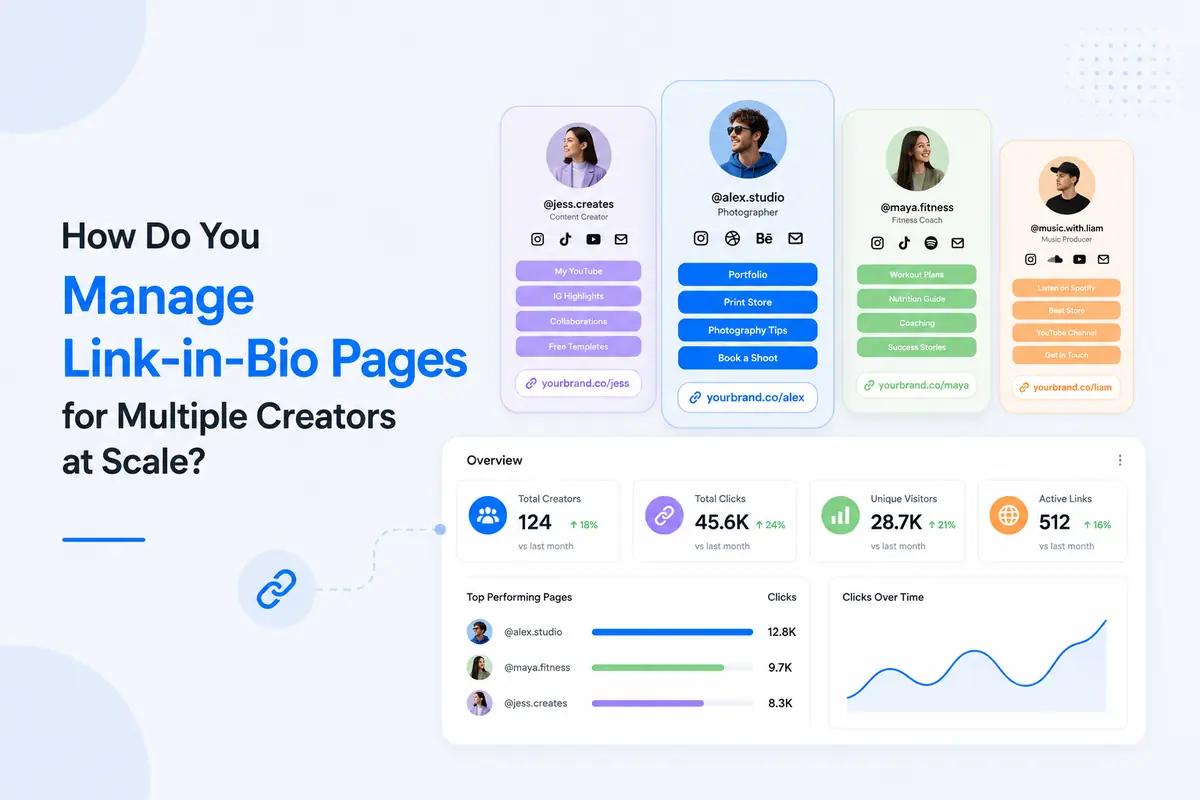
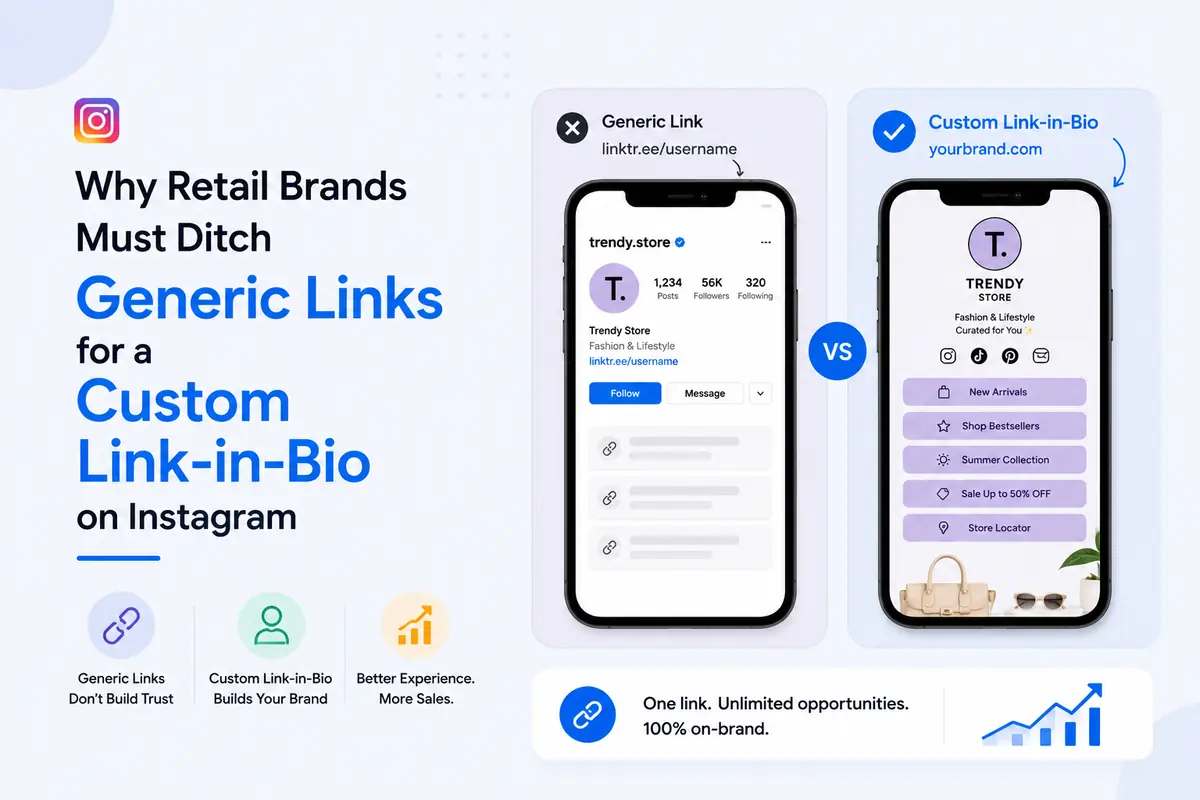
Social media platforms like Instagram and TikTok only allow one clickable link in your profile. A link-in-bio page solves this by letting you put a single URL in your profile that leads to a beautiful, custom page with multiple links — your latest video, your shop, your newsletter, your podcast episode, and anything else you want people to find.

Instead of constantly swapping out your one link, you point your profile to your link-in-bio page permanently and update the page contents whenever you need to.

The Main Contenders

Linktree

Linktree is the original and most recognised name in link-in-bio tools. It has over 40 million users and is straightforward to set up.

Strengths:

  • Very easy to get started — a page is live in under five minutes
  • Large library of integrations (Shopify, Mailchimp, etc.)
  • Free tier is genuinely functional

Weaknesses:

  • Free tier displays Linktree branding prominently
  • Limited design customisation on free and starter plans
  • No built-in short link or QR code tools — you need separate services for those
  • Analytics are basic on lower tiers
  • Pricing can escalate quickly for teams

Later is primarily a social media scheduling tool that added a link-in-bio feature to its offering.

Strengths:

  • Tightly integrated with Instagram post scheduling
  • Visual grid layout that maps directly to your Instagram feed

Weaknesses:

  • Designed for Instagram specifically — less useful if you're on TikTok or LinkedIn
  • Expensive if you only want the link-in-bio feature and not the full scheduling suite
  • Limited standalone value for creators not already using Later for scheduling

Beacons

Beacons is a newer entrant popular with TikTok creators and focuses heavily on monetisation features like tipping, paid content, and store functionality.

Strengths:

  • Strong monetisation tools built in
  • Good for creators who want to sell directly from their bio page

Weaknesses:

  • Higher learning curve
  • Monetisation features are overkill for businesses that just want to share links
  • Limited short link and analytics integration

SimpleURL

SimpleURL is the only tool in this comparison that combines a link-in-bio page with a full URL shortener, QR code generator, and branded domain support — all in one platform.

Strengths:

  • One platform for links, QR codes, link-in-bio, and analytics
  • Branded short links on your own domain (e.g., go.yourbrand.com/sale)
  • Full click analytics including location, device, and referrer
  • No third-party branding on your link-in-bio page even on lower tiers
  • QR codes auto-generated from your short links — ready for print campaigns
  • Link-in-bio page and short links share the same analytics dashboard

Weaknesses:

  • Fewer pre-built monetisation tools than Beacons
  • Less name recognition than Linktree

Feature Comparison

FeatureLinktree FreeLinktree ProBeaconsSimpleURL
Custom link-in-bio page
Remove brandingPartial
Custom domain✅ (add-on)
Built-in URL shortener
QR code generator
Click analyticsBasicFullBasicFull
Branded short links
Monetisation tools

Who Should Use Which Tool?

Use Linktree if: You want the simplest possible setup and the Linktree name gives you social proof with your audience. It's the safest default for someone who just needs "something" in their bio today.

Use Later if: You're already a Later subscriber for Instagram scheduling and want your link-in-bio integrated with your content calendar.

Use Beacons if: You're a creator whose primary goal is monetisation — selling content, taking tips, or running a digital storefront directly from your bio.

Use SimpleURL if: You want one platform that handles your short links, QR codes, and link-in-bio together with real analytics — and you want your brand name on every link, not someone else's. It's the best choice for small businesses, marketers, and creators who also run offline campaigns or need trackable links across multiple channels.

The Hidden Cost of Using Multiple Tools

The most overlooked factor in this decision is tool sprawl. If you use Linktree for your bio page, Bitly for short links, and a separate QR code generator for print materials — you're paying three subscriptions and checking three dashboards.

SimpleURL consolidates all three into one platform. For businesses running integrated campaigns (online + offline + social), having unified analytics across every link type is worth more than any individual feature comparison.

  1. Sign up at SimpleURL.com
  2. Go to Link in Bio in your dashboard and click Create Page
  3. Add your links, choose your layout, and upload your profile photo
  4. Copy your SimpleURL link-in-bio URL and paste it into your Instagram, TikTok, or Twitter bio

Your page is live instantly. Every click is tracked in your dashboard alongside your short link and QR code analytics.

Create your free link-in-bio page →

What Is a Link in Bio? The Complete 2026 Guide for Creators and Brands

· 13 min read
SimpleURL Team
Product & Engineering

A link in bio is a single webpage that holds multiple links and is placed in a social media profile's bio section. Because most social platforms limit profiles to one clickable link, creators and brands use a link-in-bio page to turn that single slot into a gateway to their entire online presence — their store, newsletter, latest content, booking page, and other social profiles.

If you have ever seen "link in bio" mentioned in an Instagram caption or TikTok video description, this is what that phrase refers to.

5 Link-in-Bio Design Strategies to Maximize Your Creator Revenue in 2026

· 12 min read
SimpleURL Team
Product & Engineering

Your link-in-bio page is the most valuable real estate on your social profile. It is the only clickable destination your Instagram, TikTok, or YouTube followers ever see. Yet most creators treat it like a dumping ground for every link they own.

The difference between a link-in-bio that earns money and one that leaks traffic comes down to five design decisions. This guide covers each one in practical, actionable detail.